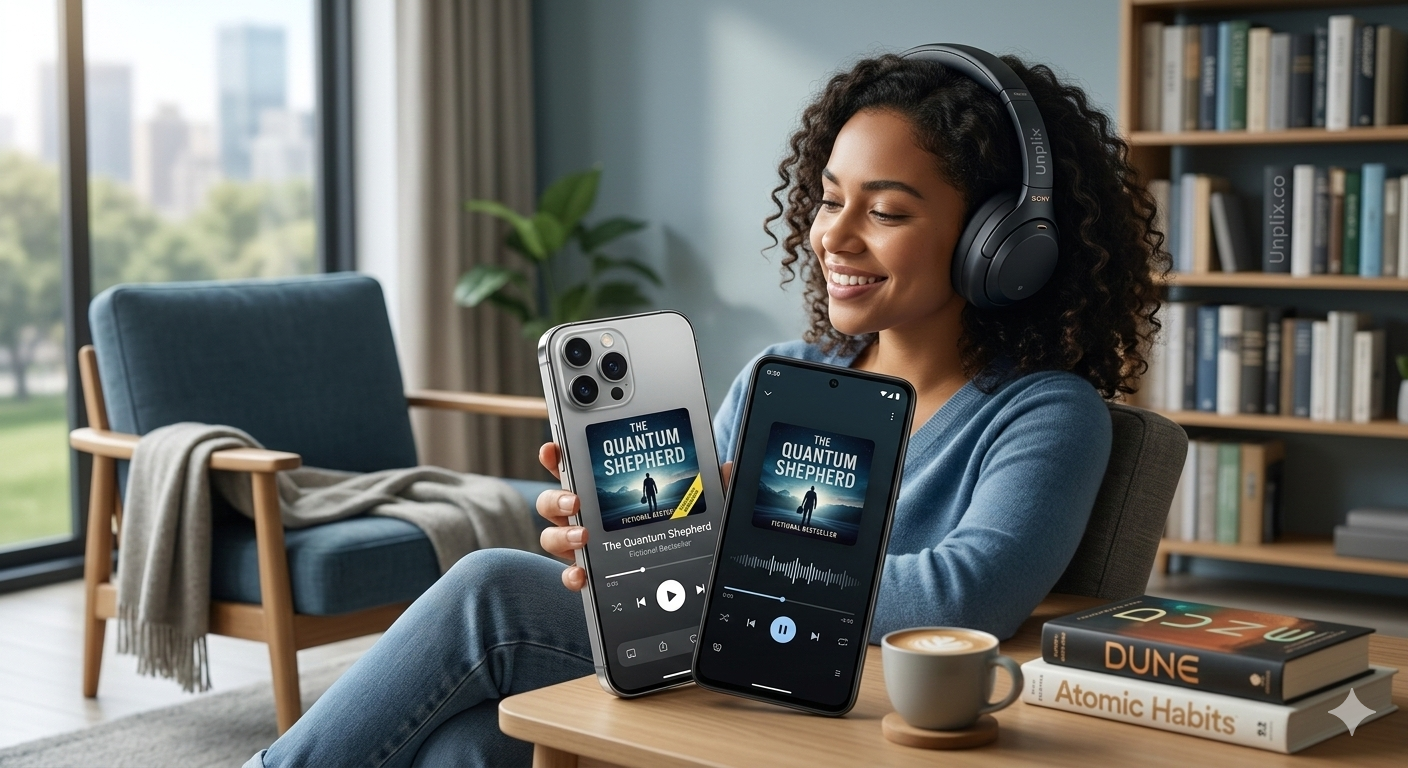
Imagine turning your daily commute, gym session, or household chores into a journey through a galaxy far away or a deep dive into a life-changing biography. In 2026, stories are no longer just for reading—they are for listening.
With the rise of high-quality narration and spatial audio, choosing the right app is essential for a great experience. At Unplix, we understand that beginners need simple, reliable, and feature-rich tools to start their listening journey.
Whether you use an iPhone or an Android device, this guide will walk you through the top-rated audiobook apps that are dominating the scene this year.
Why Audiobooks are Essential in 2026
The world moves fast, and finding time to sit down with a physical book can be tough. Audiobooks bridge that gap. They allow you to “read” while multitasking, making them perfect for busy professionals, students, and general book lovers.
Modern apps now offer AI-enhanced narrations that sound incredibly human, alongside offline listening modes and cross-device syncing. If you want to stay updated with the latest tech trends like these, Unplix is your go-to source for simplified guides.
Best Audiobook Apps for iPhone and Android
1. Audible (The Gold Standard)
Owned by Amazon, Audible remains the heavyweight champion in 2026. It boasts the world’s largest library of audiobooks, including exclusive “Audible Originals” that you won’t find anywhere else.
- Best For: Users who want the widest variety and high-quality production.
- Key Feature: Seamless integration with Kindle devices.
2. Libby (Best Free Option)
If you have a library card, Libby is a must-have. It connects you to your local public library’s digital collection, allowing you to borrow audiobooks for free.
- Best For: Budget-conscious listeners and students.
- Key Feature: Zero subscription fees—completely legal and free.
3. Spotify Audiobooks
In 2026, Spotify has fully integrated audiobooks into its platform. If you already pay for Spotify Premium, you likely have access to a specific number of listening hours every month.
- Best For: People who want music, podcasts, and books in one single app.
- Key Feature: User-friendly interface that most people already know how to use.
4. Google Play Books & Apple Books
For those who hate monthly subscriptions, these built-in apps allow you to buy books individually. You own the file forever without worrying about a recurring bill.
- Best For: Occasional listeners who only “read” 1–2 books a year.
Benefits of Using a Dedicated Audiobook App
Using a professional app instead of just downloading random audio files offers several advantages:
- Bookmark Management: Apps remember exactly where you left off, even if you switch from your phone to your tablet.
- Speed Control: You can speed up the narration (e.g., 1.2x or 1.5x) to finish books faster.
- Sleep Timer: Set a timer so the book stops playing automatically if you fall asleep.
- Offline Access: Download books over Wi-Fi so you don’t use your mobile data while traveling.
At Unplix, we recommend testing 2–3 apps using their free trial periods to see which interface feels most comfortable to you.
Step-by-Step Guide: How to Start Your First Audiobook
Starting out is easier than you think. Follow these simple steps:
- Choose Your App: Pick an app from the list above (like Audible or Libby) and download it from the App Store or Google Play Store.
- Create an Account: Sign up using your email. Many apps offer a free “first book” as a welcome gift.
- Browse the Library: Search for a genre you like—thriller, romance, or self-help. Listen to the 5-minute sample before committing.
- Download the Book: Always download the book while on Wi-Fi to ensure a smooth, uninterrupted listening experience.
- Connect Your Headphones: For the best experience in 2026, use noise-canceling headphones to immerse yourself in the story.
Common Problems and Simple Solutions
Problem: The app keeps crashing.
- Solution: Ensure your phone’s OS is updated. Clear the app cache in your settings or reinstall the app.
Problem: Audiobooks are too expensive.
- Solution: Use Libby for free library books or look for “Daily Deals” on platforms like Chirp or Audible. Unplix often highlights ways to save on digital subscriptions, so keep an eye out!
Problem: I can’t concentrate while listening.
- Solution: Start with non-fiction or “short stories.” Listening is a skill that takes a few days to develop.
Frequently Asked Questions (FAQs)
1. Can I listen to audiobooks without internet? Yes, almost all top-tier apps allow you to download books to your device storage for offline playback.
2. Are free audiobook apps safe? Apps like Libby and LibriVox are 100% safe and legal. Avoid third-party websites that offer “cracked” versions of paid books, as these can contain malware.
3. Which app is better for Android users? Google Play Books and Audible offer the most stable experience on Android devices in 2026.
4. How much data do audiobooks use? A standard 10-hour audiobook uses about 150MB to 300MB of data. Using Wi-Fi to download is always recommended by tech experts at Unplix.
5. Can I share my audiobooks with family members? Yes, apps like Apple Books and Audible have “Family Sharing” features that allow you to share your library with a limited number of household members.
Conclusion
Choosing the best audiobook app in 2026 depends on your budget and how often you plan to listen. For a premium experience, Audible is unbeatable. For those on a budget, Libby is a lifesaver.
Technology should make your life easier, not more complicated. That is exactly why Unplix provides these clear, beginner-friendly insights—to help you navigate the digital world with confidence. Download an app today and start your first chapter!


